Your private client desk
One calm place for your assistant.
Sign in to follow your private installation, complete the WhatsApp connection with your specialist, and see what happens next.
Your assistant remains isolated from every other client.
No message is sent without the approval rules agreed with you.
A MyKatib specialist remains accountable for setup and support.
Secure access
Welcome back.
Use the same email address you gave the MyKatib team.
Access is invitation-only. If your email has not been approved, sign-in will stop safely.
Your MyKatib installation
Your assistant is being prepared.
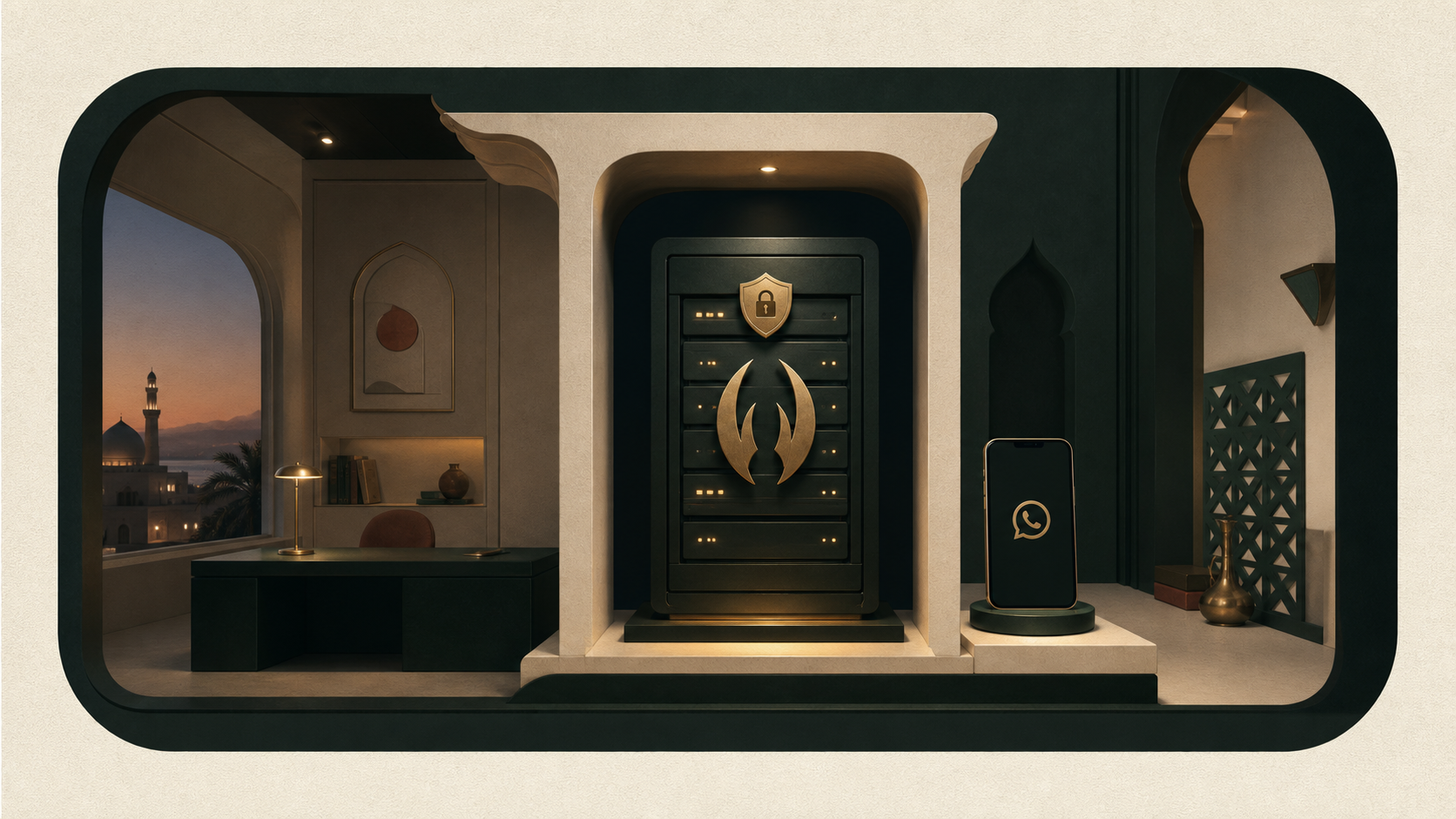 Pinned, isolated build
Private installation
OpenClaw is pinned and isolated.
Your specialist is preparing a dedicated environment. It is not shared with another MyKatib client.
- Deployment
- Dedicated cloud
- Monthly service
- 200 OMR
- Send approval
- Required
Setup progress
A deliberate handover, step by step.
- 01First month confirmedTap payment is reconciled before setup begins.
- 02Private environment preparedA pinned OpenClaw build is installed for you alone.
- 03Dedicated WhatsApp connectedPairing happens with you during a guided call.
- 04Approval rules testedWe verify that third-party messages wait for your approval.
- 05Assistant handed overYour service becomes active with ongoing support.
Human support remains close
Need to change the setup?
Your MyKatib specialist can explain the current gate, adjust an approval rule, or arrange the next guided session.